Product and packaging concepts
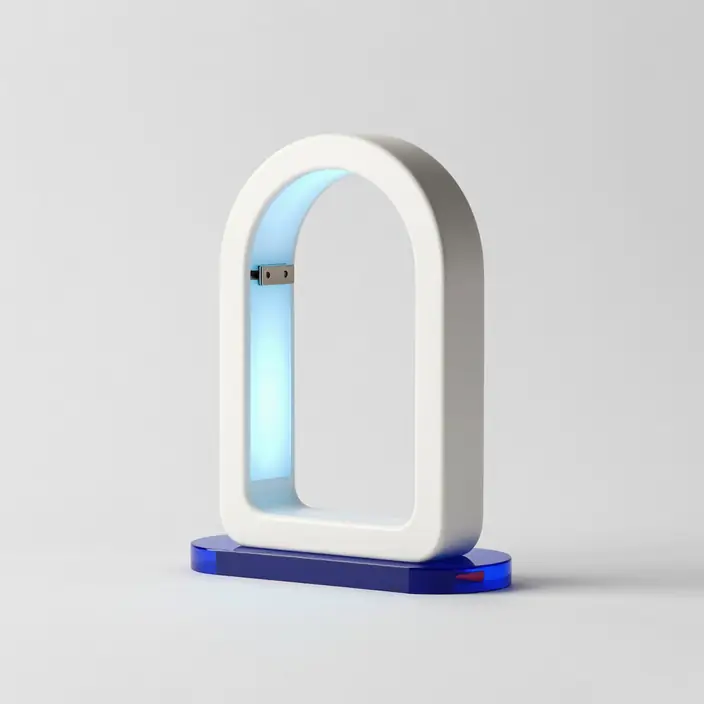
Create with MAI-Image-2.5-Pro, Microsoft's highest-fidelity public-preview image model for detailed visuals, precise edits, and in-image text.
Describe a product shot, poster, label, or campaign visual...
MAI-Image-2.5 now powers Bing Image Creator end to end; MAI-Image-2.5-Pro is available separately in public preview.
The public comparison combines a reported 75-point Arena gain with stronger text rendering, editing coherence, photorealism, and prompt control. Follow the linked primary sources for the dated evidence.
Posters, labels, packaging mockups and infographic prompts should hold sharper, more legible words.
The model is aimed at product photography, campaign concepts and brand-forward layouts that need usable details.
Objects, scene structure, scale, lighting and spatial relationships are handled more deliberately.
MAI Image 2.5 covers photoreal scenes, stylized illustration and polished design concepts with closer prompt adherence.
Generate shelves, labels, material studies and product photography directions before a shoot.
Create campaign imagery with clearer typography, stronger layout discipline and better lighting.
Evaluate the model on measurable production constraints: exact text, required objects, protected edit regions, crop flexibility, material detail, and repeatability across multiple outputs.
Generate shelves, labels, material studies and product photography directions before a shoot.
Create campaign imagery with clearer typography, stronger layout discipline and better lighting.
Use text-aware prompts for diagrams, presentation visuals, event posters and educational graphics.
Microsoft says MAI-Image-2.5 is the default model for Bing Image Creator, runs image-to-image workflows in PowerPoint, and powers key OneDrive editing scenarios.
Open workspaceThis workspace now uses MAI-Image-2.5-Pro, Microsoft's highest-fidelity public-preview variant for hero imagery, detailed edits, and precise in-image text.
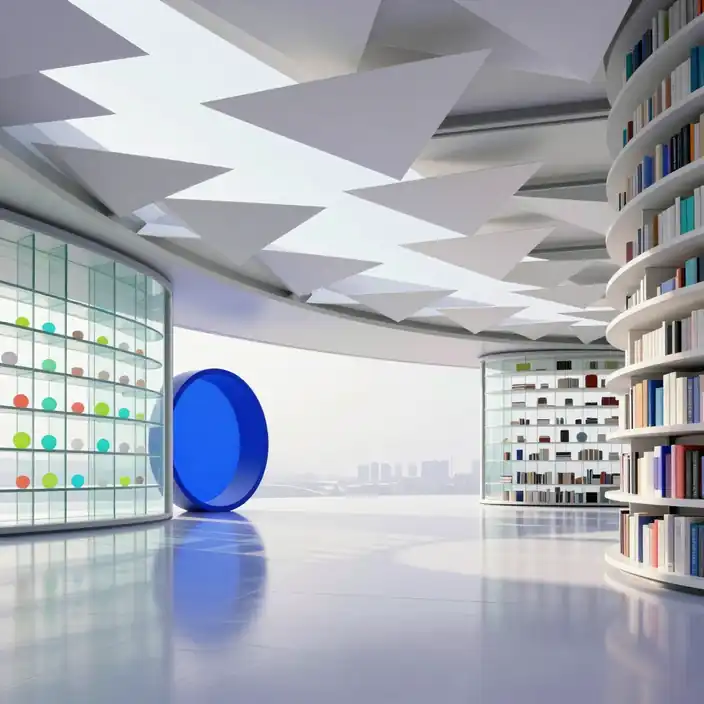 Better text rendering
Posters, labels, packaging mockups and infographic prompts should hold sharper, more legible words.
The strongest use cases are the ones you can score: label accuracy, layout stability, protected edits, object counts, crop constraints, and visual consistency.
Generate shelves, labels, material studies and product photography directions before a shoot.
Create campaign imagery with clearer typography, stronger layout discipline and better lighting.
Use text-aware prompts for diagrams, presentation visuals, event posters and educational graphics.
MAI Image 2.5 covers photoreal scenes, stylized illustration and polished design concepts with closer prompt adherence.
Generate shelves, labels, material studies and product photography directions before a shoot.
Open image workspace
Independent guide, not affiliated with Microsoft. Local visuals are illustrative Z-Image Turbo assets, not MAI-Image-2.5 benchmark outputs. Sources last checked 2026-07-28.
This is an independent model guide.
Yes. Microsoft says MAI-Image-2.5 is running in production and is now the default model powering Bing Image Creator end to end.
Start in the MAI-Image-2.5 Pro workspace with your prompt and aspect ratio already selected.